
Pace lies.
Your heart doesn't.
Pace lies on hills, into wind, in heat, when you're tired, and when you're coming down with something. Heart rate tells you what the effort actually cost. In The Zone shows which of five training zones you're in — live, while you can still do something about it.
iPhone and Apple Watch · $1.99 once · No subscription, ever
What makes it different
Read it by colour
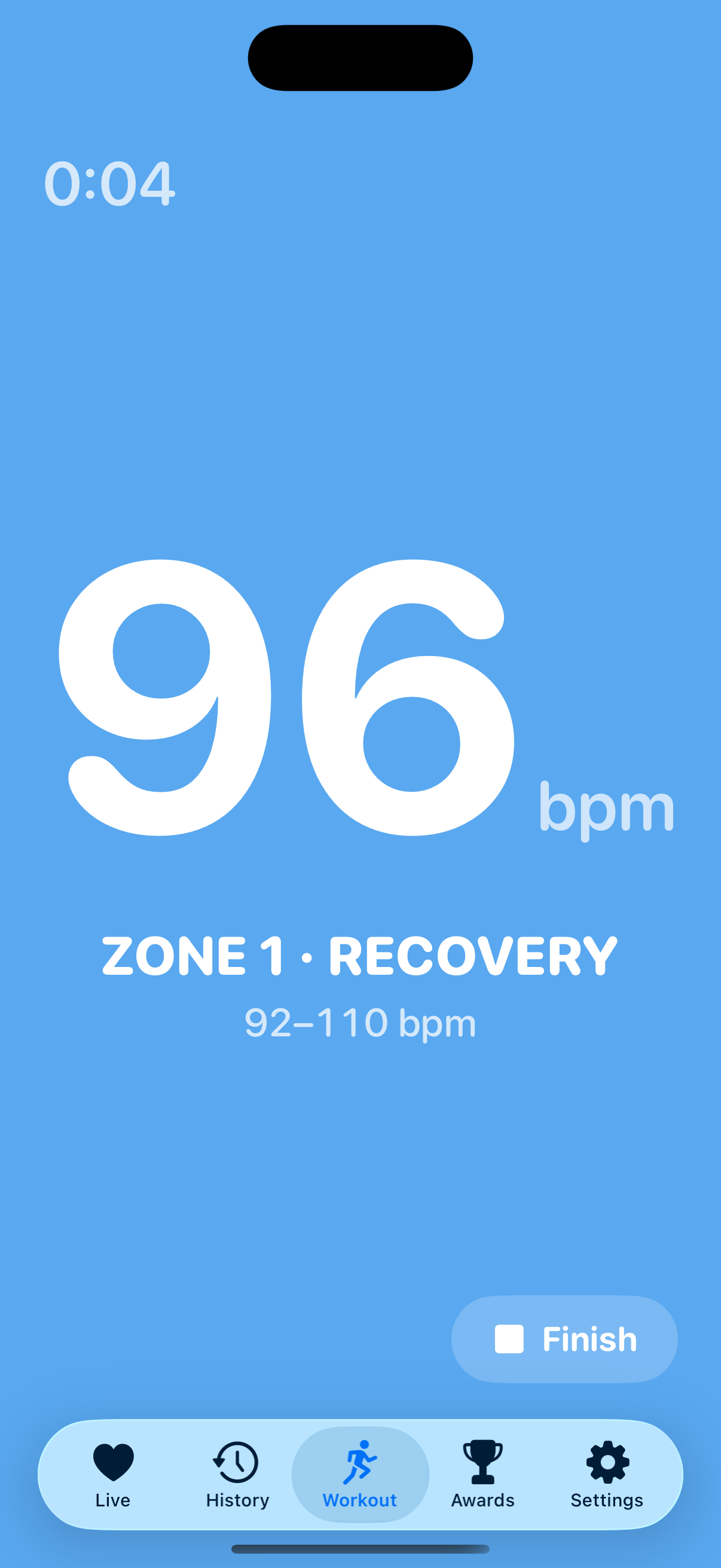
Your whole screen becomes your zone. Green is easy, red is hard. You read your effort from the corner of your eye instead of squinting at a number mid-stride.
Or don't look at all
Set a zone to hold and your watch taps your wrist when you drift — one for too hard, another for easing off. Outdoors, hear each zone change through your AirPods. No app does this.
Indoors is not an afterthought
Treadmill, elliptical, bike and rower are first-class here. Every other running app treats an indoor session as a grey rectangle with no analysis.
Routes coloured by effort
Others show terrain. Others show pace. Nobody shows what your heart was doing — the hill where you tipped into threshold, the stretch where you settled.
Every class counts
Yoga, Pilates, a strength session, a HIIT class — track your heart rate through any of them. Effort you can't measure by pace or distance finally shows up.
Yours, and only yours
There is no account and nothing in the cloud. Your data stays on your devices and in Apple Health, and it costs $1.99 once rather than $12 a month forever.
The treadmill display
Prop your phone on the console and the entire screen turns your zone's colour. It changes as you do. You can tell whether you're working too hard from three feet away, without breaking stride.
Turn it sideways and the number roughly doubles in width — the difference between readable and not, at running distance. The screen stays awake for the whole session.
A watch that tells you, so you don't have to check
Choose a zone to hold. When you drift above it your watch taps one way; when you ease off, another. Two distinct patterns, so you know which way to move without looking at anything.
Most people drift out of Zone 2 without noticing — it's the single most common mistake in endurance training. Prefer to hear it? On a treadmill your phone calls the zones out loud; outdoors your watch says them through your AirPods — straight from the live reading, so it's always accurate. Either way your music ducks rather than stops.
Fly the Pacer
Turn it on for an indoor run and a paper plane flies your effort. Its pitch shows where you sit in your target zone; its bank shows which way your heart rate is heading. Level flight means you're holding it. Sink or climb and you're drifting out.
Heart rate lags effort by twenty to sixty seconds, so a bare number teaches you to chase it: push, overshoot, back off, undershoot. Showing the trend alongside the position lets you correct before you drift, the way a real instrument would. It's optional, and it's quietly good at holding a zone.
Know whether you're doing too much
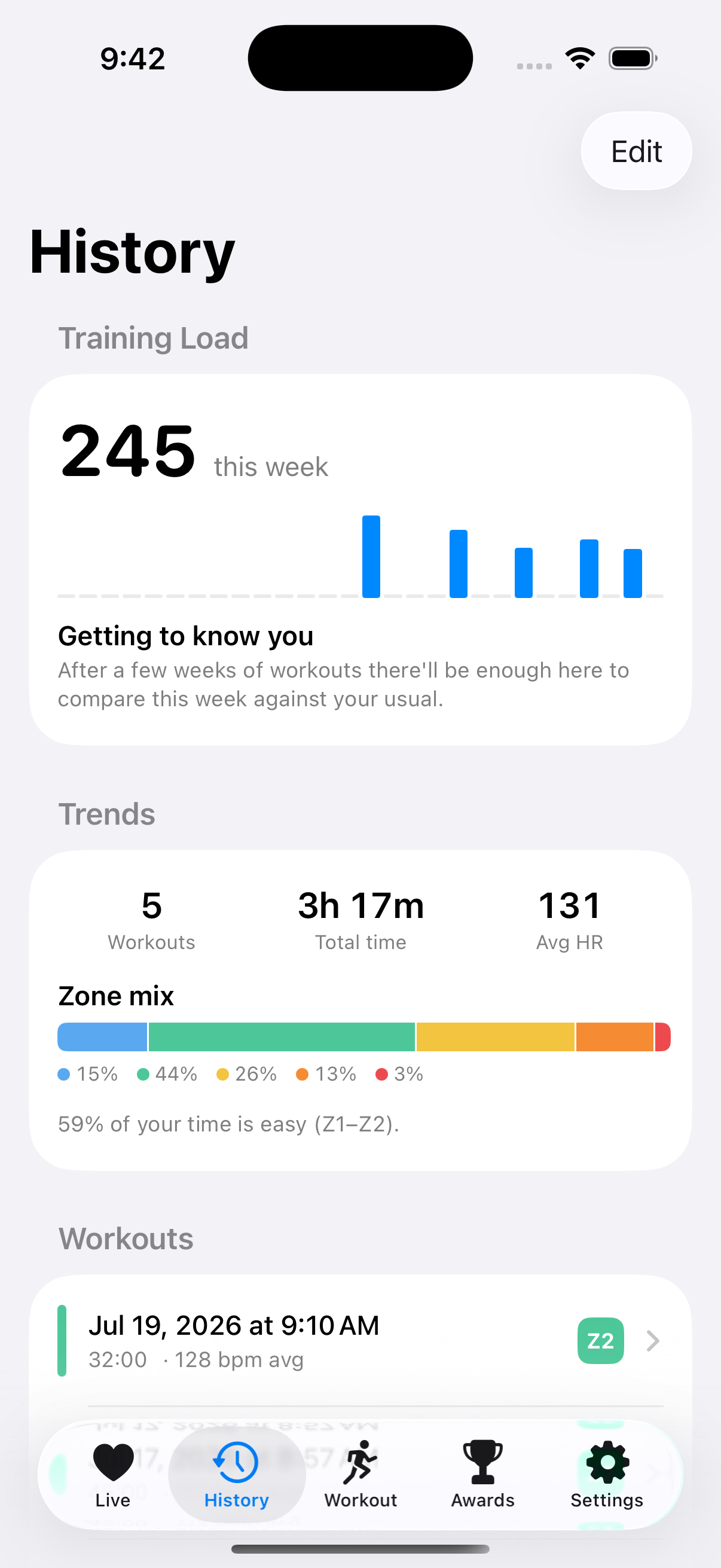
Training load weighs your time by intensity — twenty minutes at threshold costs five times twenty easy ones — and compares this week against your recent average. It answers the question a total-time figure never can.
It stays quiet until there's enough history for the comparison to mean something. A verdict based on three days would be noise dressed as insight.
Zones that actually fit you
Calculated with the Tanaka formula, from a meta-analysis of 18,712 subjects — meaningfully more accurate than the familiar 220 − age, which increasingly underestimates past 40. Measured your real maximum? Enter it; a real figure always wins.
Measure against percentage of maximum, or against your heart rate reserve with the Karvonen method if you know your resting rate. The two aren't interchangeable at the same percentage, so the app always shows which is in play.
How heart rate zones are calculated, and why 220 − age is wrong →
No Apple Watch? No problem
In The Zone works with any Bluetooth chest strap — Polar, Garmin, Wahoo, Coospo — so your iPhone can do the whole job alone. Chest straps measure electrically rather than optically, which is why they hold up during intervals where a wrist sensor lags behind.
The phone runs the entire workout from the strap: live zones on screen, spoken cues even with the screen locked, and a full session saved to Apple Health with your history, trends and achievements — exactly as a watch workout would be.
Your data never leaves your devices
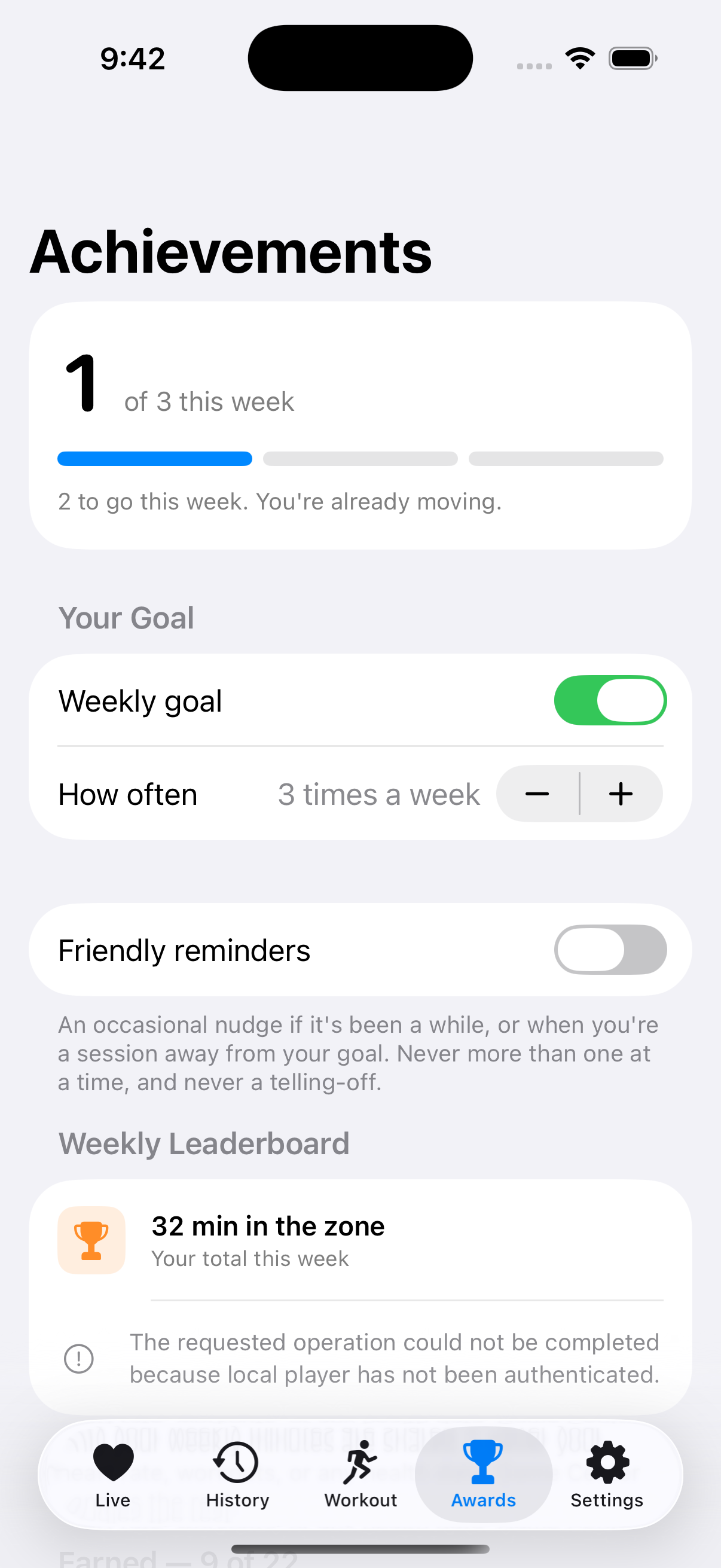
The App Store lists this app as Data Not Linked to You — a claim most fitness apps can't make. Your heart rate, workouts and routes live on your devices and in Apple Health. The only thing that ever leaves is a single number, your weekly minutes, and only if you choose to use the leaderboard. Read the full policy.
$1.99. Once.
Nothing is held back behind a subscription or a premium tier, and there is nothing to upsell you later. You buy it, you own it.
In The Zone is a training aid, not a medical device. Heart rate zones are estimates. If something feels wrong while exercising, stop and speak to a doctor.